5 Quick Steps to Check If Your Security Alarm System Is Working
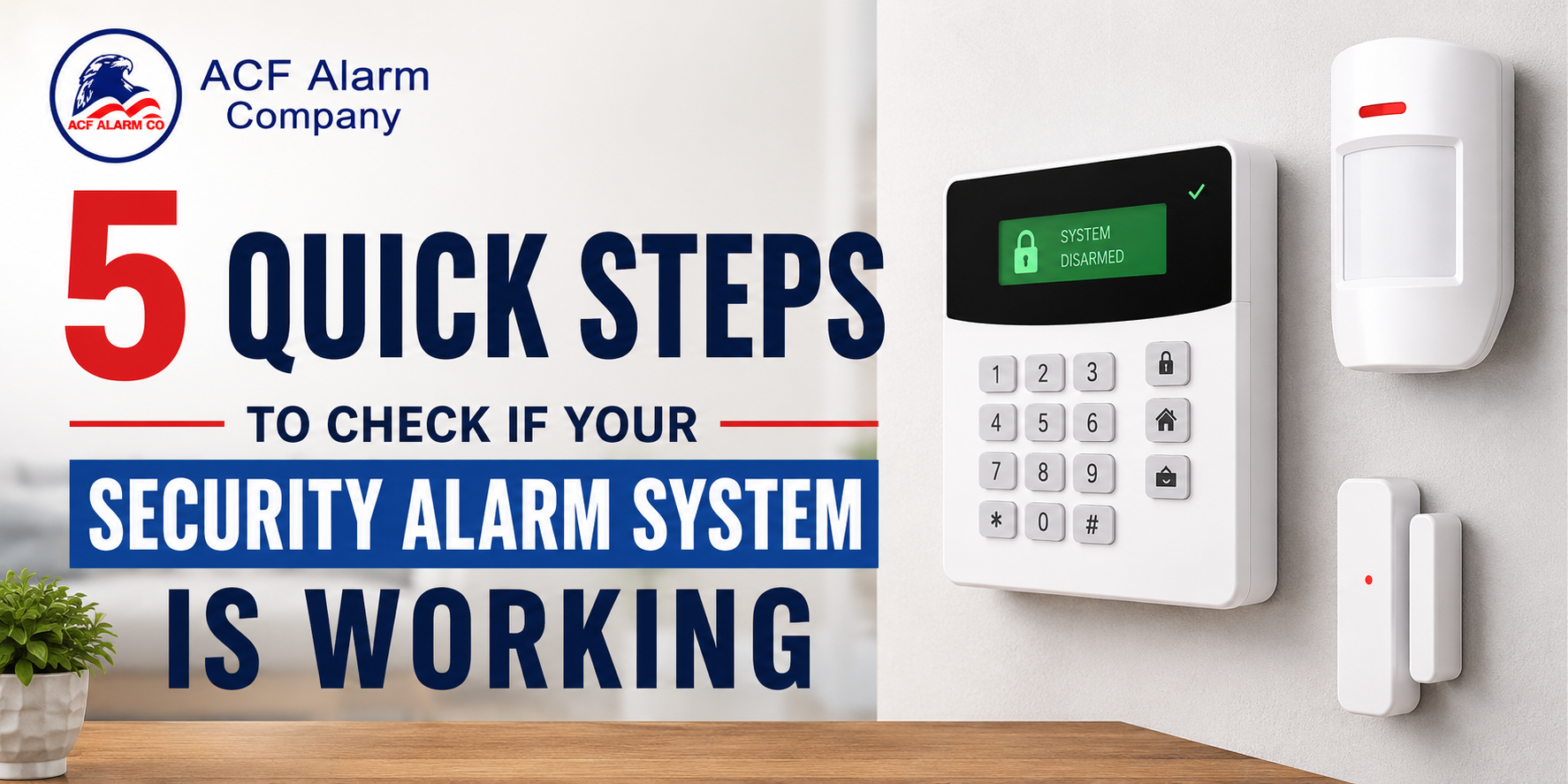
Your security alarm system works quietly in the background every day, but how often do you check that it's actually ready to respond? A system that hasn't been tested in months could have a weak battery, a faulty sensor, or communication issues that go unnoticed until an emergency occurs.
A quick inspection every few months can help you catch small problems early. Here are five practical steps you can follow to check that your alarm system is working properly.
1. Check the Control Panel for Warning Messages
Your control panel is the first place to look. Modern alarm systems constantly monitor connected devices and display notifications if something needs attention.
Look for alerts such as:
- Low battery
- Power outage
- Sensor malfunction
- Communication failure
- Offline devices
Many home alarm systems also send these notifications through a mobile app, making it easy to spot issues even when you're away.
If you notice recurring warnings, don't ignore them. Addressing them early can help prevent larger system failures.
2. Test Your Mobile Alerts and Connected Cameras
Many security systems now include smartphone notifications and video surveillance. These features are just as important as the alarm itself.
Take a few minutes to:
- Trigger a test alert.
- Confirm push notifications arrive on your phone.
- Check email or text alerts if they're enabled.
- Open the live camera feed.
- Verify motion recordings are being saved.
- Clean camera lenses if the image looks blurry.
A blocked lens or delayed notification can reduce your awareness of what's happening around your property.
This simple test confirms your security cameras, video surveillance, and smart home security features are all working together.
3. Test the Alarm Siren and Panic Button
The alarm siren is designed to grab attention immediately, while the panic button provides quick access to emergency assistance.
Before testing, place your account in test mode with your monitoring provider.
Then:
- Trigger the alarm.
- Listen for a loud, clear siren.
- Check both indoor and outdoor alarm speakers.
- Press the panic button.
- Confirm the monitoring center receives the signal.
If the siren sounds weak or distorted, or if the panic button doesn't communicate properly, schedule a service inspection.
Testing these features confirms your 24/7 alarm monitoring and emergency alarm system are functioning as expected.
4. Walk Around the Property and Inspect Every Device
A visual inspection often reveals problems before they become serious.
Walk around your property and check for:
- Loose door and window sensors
- Damaged sensor covers
- Exposed or damaged wiring
- Dirt or spider webs covering cameras
- Signs of moisture near outdoor equipment
- Devices that appear loose or misaligned
If your system uses wireless equipment, also review the battery status of every sensor, keypad, and remote control. Replacing aging batteries before they fail keeps your wireless alarm system dependable.
5. Verify Your Emergency Contact Information
Even a perfectly working alarm system depends on accurate contact information.
Review your account and confirm:
- Primary phone number
- Backup phone numbers
- Email addresses
- Emergency contacts
- Alarm passcodes
If your monitoring company cannot reach the right people during an emergency, valuable time may be lost.
It's also a good opportunity to perform a complete system test and verify that alarm signals are reaching the monitoring center without interruption.
How Often Should You Test Your Alarm System?
A quick visual inspection every month is a good habit. A more complete system test every three to six months helps identify problems before they affect your property's security.
If you've recently:
- Renovated your property
- Replaced doors or windows
- Installed new equipment
- Experienced a power outage
- Changed your internet provider
it's worth testing the system again to confirm everything is still functioning properly.
Why Professional Inspections Matter
Routine self-checks help identify common issues, but professional inspections offer a more detailed evaluation. Experienced technicians can inspect wiring, test communication signals, verify sensor placement, update software, and identify hidden problems before they affect your system's performance.
Working with trusted alarm companies also gives you access to recommendations for upgrades if your existing equipment is outdated or no longer meeting your property's needs.
Final Thoughts
Checking your security alarm system doesn't have to take long. Reviewing the control panel, testing mobile alerts, inspecting cameras, verifying the siren and panic button, walking around the property, and confirming your emergency contacts can help you identify issues before they become costly.
If your system hasn't been professionally inspected in some time or you've noticed recurring warning messages, partnering with experienced alarm companies in St louis Mo can help keep your home or business protected with dependable security solutions.
Conclusion
A reliable alarm system starts with regular maintenance and expert support. ACF Alarm provides professional alarm installation, inspections, monitoring, security camera solutions, and ongoing service for residential and commercial properties throughout the St. Louis area. If you'd like to schedule a system inspection or explore options for upgrading your security, Contact ACF Alarm and speak with the team today.